
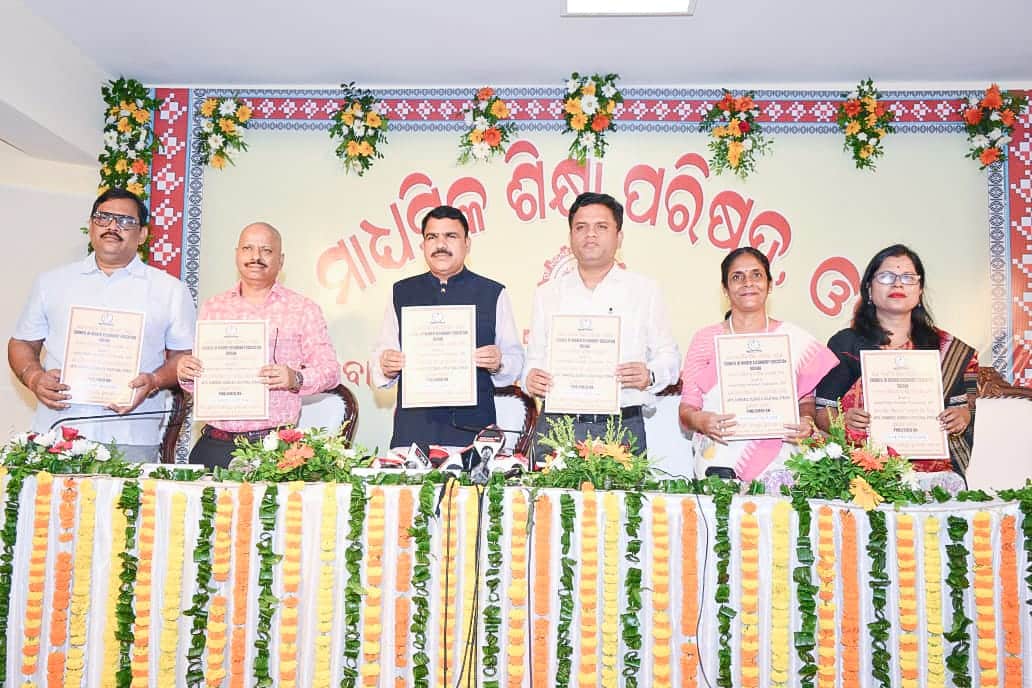
The Council of Higher Secondary Education (CHSE), Odisha, declared the Class 12 (Plus Two) results today, May 20, from its Samantapur office in Bhubaneswar.
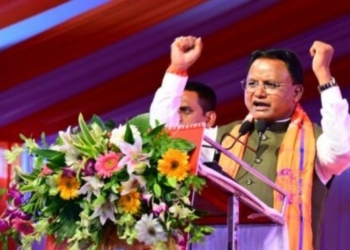
Schools and Mass Education Minister Nityananda Gond released the results for Arts, Science, Commerce, and Vocational streams.
A total of 3,98,090 students appeared for the Plus Two exams, of which 3,41,781 cleared successfully. Sambalpur district topped the Arts stream with 89.48%, while Nabarangpur recorded the lowest at 77.14%. In Science, Balasore led with 96.63%, and Koraput had the lowest at 77.14%. Boudh achieved a perfect 100% pass rate in Commerce, while Balangir recorded 77.25%. In Vocational studies, Nabarangpur topped with 100%, and Malkangiri was lowest at 55.22%.
Students can download their digital marksheets from DigiLocker starting May 21, and collect hard copies from their institutions from June 15. Applications for instant and improvement exams will open in the first week of July, with official notification on May 27.
CHSE Plus 2 Result 2026: Direct Link to access CHSE +2 results
- chseodisha.nic.in
- results.odisha.gov.in
- results.digilocker.gov.in
CHSE Plus 2 Result 2026: Follow these steps to check & download results
Step 1: Navigate to the official site at chseodisha.nic.in.
Step 2: Click on the “CHSE +2 Result 2026” link available on the main page.
Step 3: Input the necessary login information, including roll number and registration details.
Step 4: Submit the provided information.
Step 5: The result should be displayed on your screen.
Step 6: Download and print the provisional mark sheet for your records.
CHSE Odisha Plus 2 Result 2026: Follow this guide to check your results via SMS
If website access is slow, students can also obtain their results through SMS by following these steps:
Step 1: Launch the SMS application on your mobile device.
Step 2: Type: RESULT_OR12 <Roll Number>
Step 3: Send the message to 56263.
Step 4: The result will be sent to your registered mobile number.
CHSE Odisha +2 Result 2026: Follow these steps to check & download via DigiLocker
Step 1: Go to digilocker.gov.in or open the corresponding mobile application.
Step 2: Log in or create a new account.
Step 3: Confirm your mobile number using an OTP.
Step 4: Link your Aadhaar number if necessary.
Step 5: Look for CHSE Odisha documents.
Step 6: Download the digital mark sheet.
To access the CHSE Odisha 12th Result 2026, students must log in using their roll number and registration number. The online scorecard displays subject-wise marks, overall grades, and qualifying status. Students must secure at least 33% marks in aggregate and a minimum of 30% in each subject to pass.
Students to Get One-Subject Improvement Chance in July:
School and Mass Education Minister Nityananda Gond announced that students who passed the annual examination will be allowed to appear for an Improvement Exam in one subject for the first time this year. He appreciated the smooth and transparent conduct of the examinations.
The board conducted theory examinations from February 18 to March 21, while practical exams took place between January 2 and January 15. Students are advised to verify details on their scorecards and keep both digital and printed copies for admission and future academic use.