

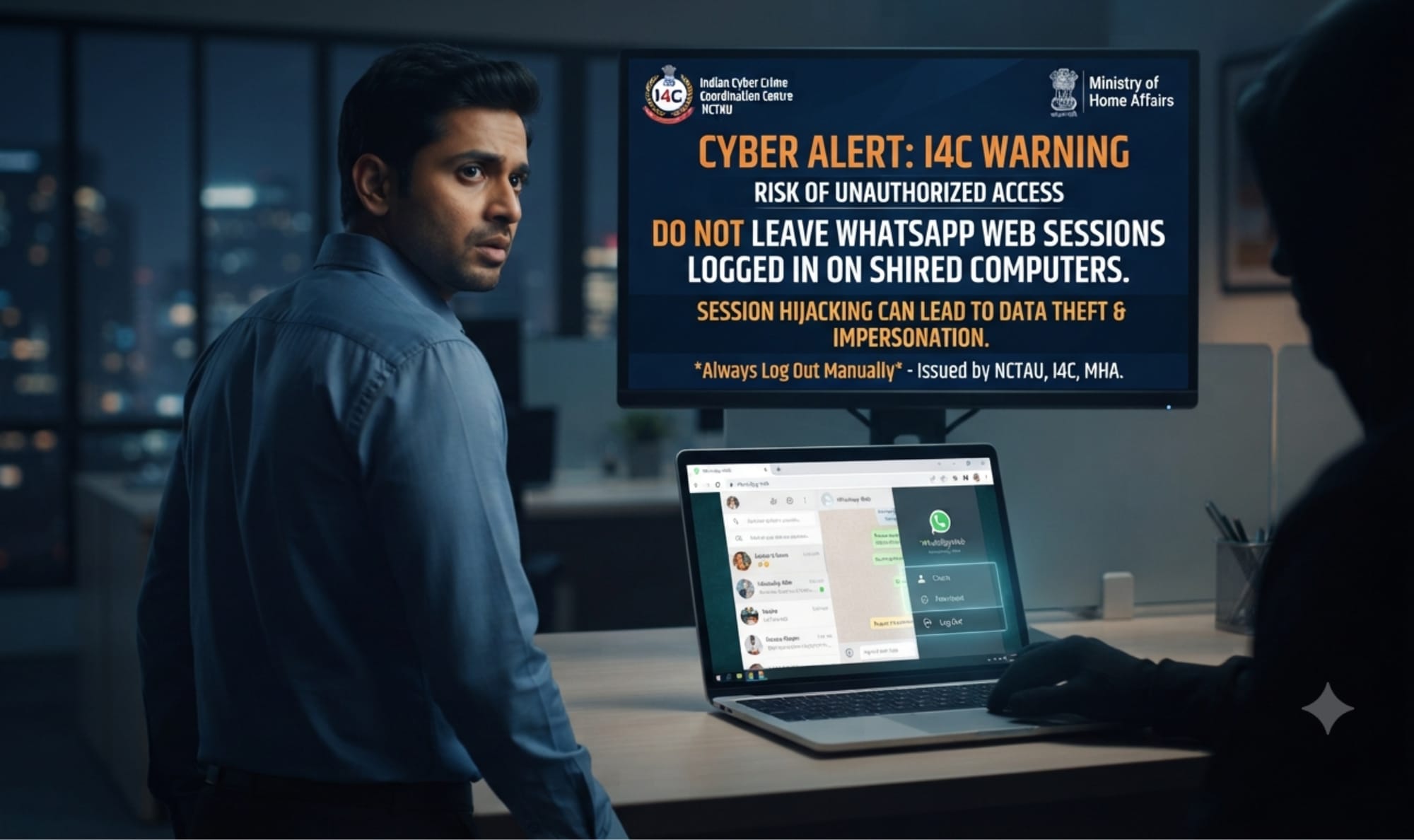
The National Cybercrime Threat Analytics Unit (NCTAU) under the Indian Cyber Crime Coordination Centre (I4C) has issued a fresh warning over the potential misuse of authenticated WhatsApp Web sessions to gain unauthorised access to user accounts.
According to the advisory, threat actors or unauthorised individuals may exploit active or improperly closed WhatsApp Web sessions under certain conditions. Once a session is compromised, attackers can read private messages, send messages while impersonating the account holder, access contact lists and group chats, and weaponise a trusted digital identity for fraud, phishing, social engineering, or other cybercrimes.
The risk is especially acute on office computers, shared systems, public terminals, or any device that others can access. Many users mistakenly assume that closing a browser window or tab ends their session—a misconception that can leave an authenticated account exposed if a system is left unattended or accessed by someone else.
Key Precautions Recommended by I4C and NCTAU
To reduce the risk of session hijacking and identity misuse, the advisory outlines several practical steps for individuals and organisations:
-
Keep sensitive work off WhatsApp Web: Avoid exchanging government, organisational, financial, confidential, or otherwise sensitive data through browser-based WhatsApp sessions.
-
Avoid staying permanently logged in: Do not leave active WhatsApp Web sessions running when not needed, particularly on workplace or shared machines.
-
Log out manually every time: Explicitly log out from WhatsApp Web once you finish using it rather than simply closing the browser tab.
-
Use Incognito or Private Browsing when necessary: If you must use WhatsApp Web temporarily on a trusted computer, open it in Incognito or Private mode and manually log out before closing the browser.
-
Stay away from public and untrusted devices: Never sign in to WhatsApp Web on cyber cafe systems, public kiosks, hotel business centres, borrowed laptops, or unfamiliar computers.
-
Watch for suspicious activity: Pay close attention to unexpected messages sent from your account, odd replies from contacts, or unexplained account behaviour.
-
Maintain device hygiene: Keep operating systems, web browsers, and security software up to date, and steer clear of suspicious downloads, unknown files, cracked software, and untrusted attachments.
For official and high-sensitivity environments, I4C and NCTAU advise organisations to restrict WhatsApp Web usage on office systems altogether, treating Incognito or Private Browsing solely as an added layer of caution rather than a complete safeguard.